
Protect Your Property. Stay Connected.
Know what is happening at your gate, alarm system and electric fence. OneControl connects compatible security equipment to one app for monitoring, alerts and authorised control.
Start with the security problem you need to solve today. Add compatible products as your property’s needs grow.

Gate Security
Secure Your First Line of Defence
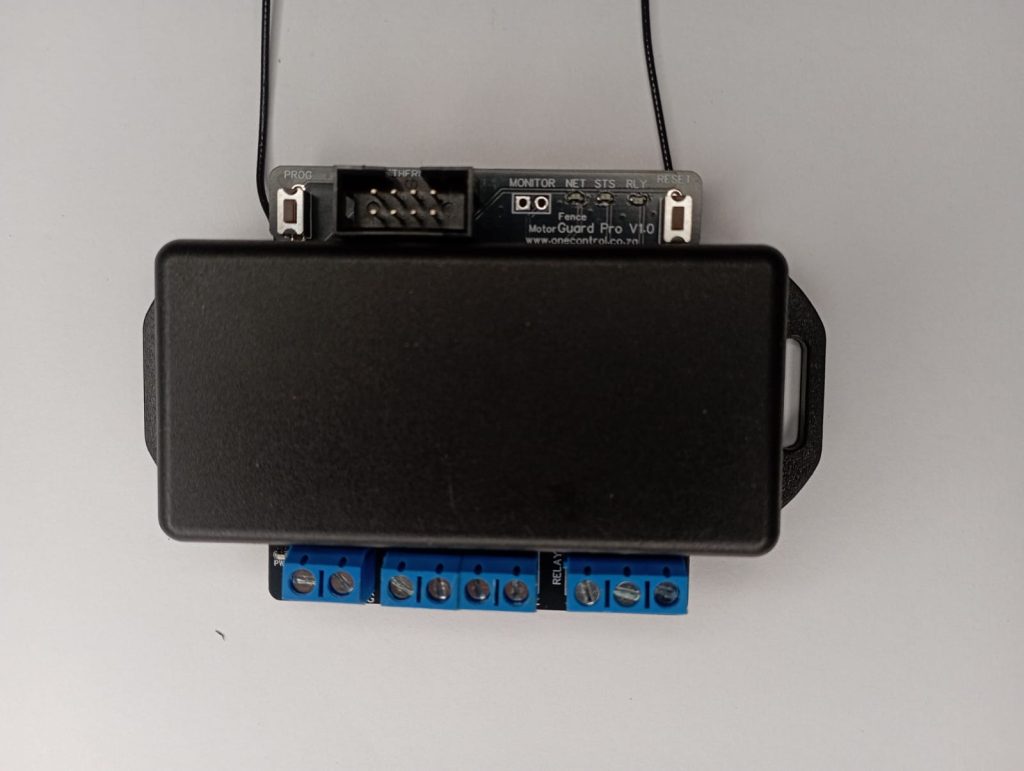
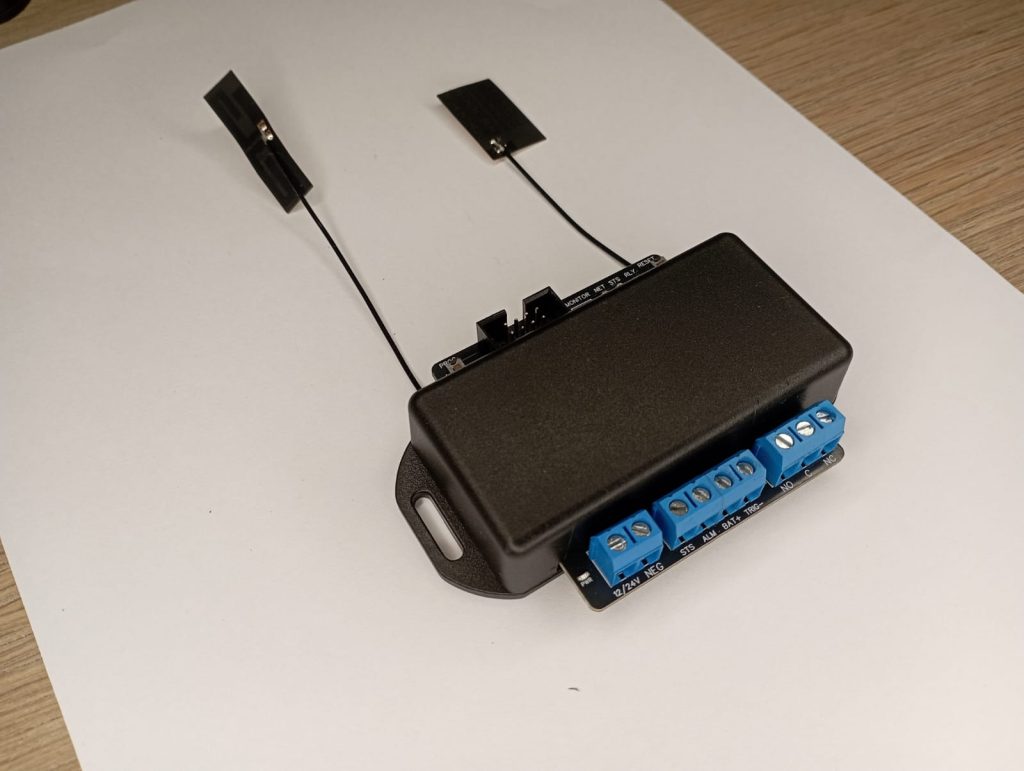
MotorGuard Pro/MotorGuard Pro+
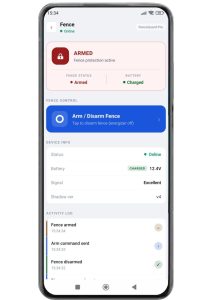
Your gate is your first line of defence. MotorGuard Pro keeps you informed about gate activity, tampering, open-too-long events and battery status, while giving authorised users remote access.
- Monitor gate or garage status from the OneControl app.
- Receive security and battery alerts.
- Manage access for family, staff and visitors.
- Choose MotorGuard Pro+ for compatible wireless OneSensor and RX-Link integration.
OneSensor
Wireless Gate, Garage & Contact Sensor
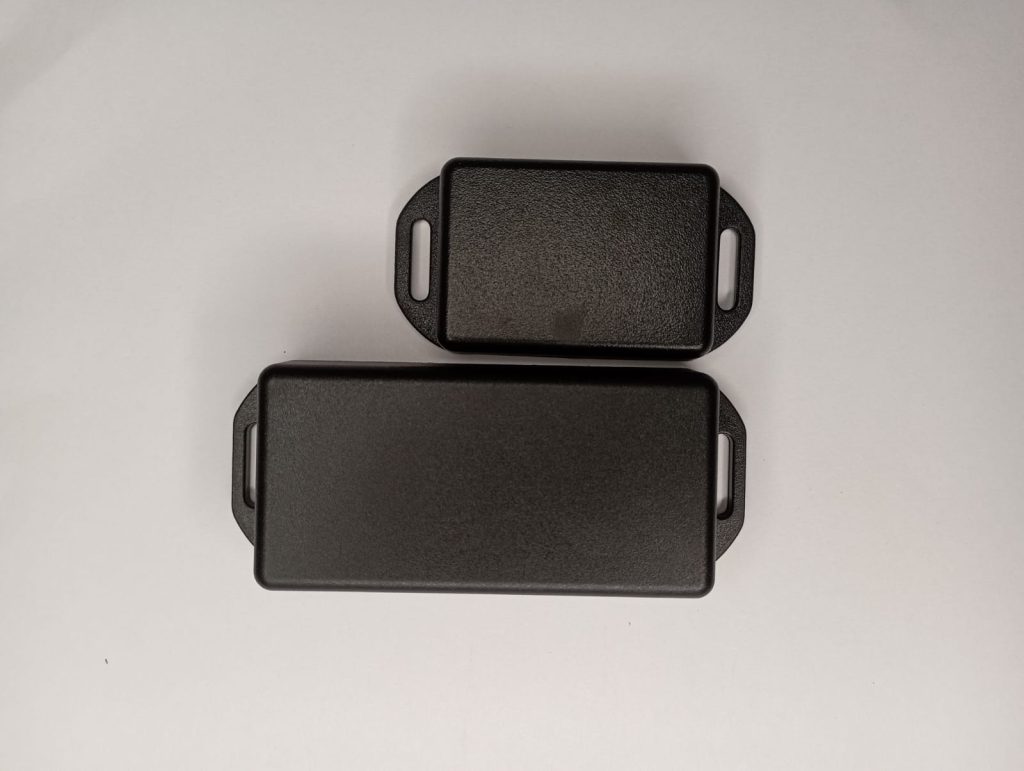
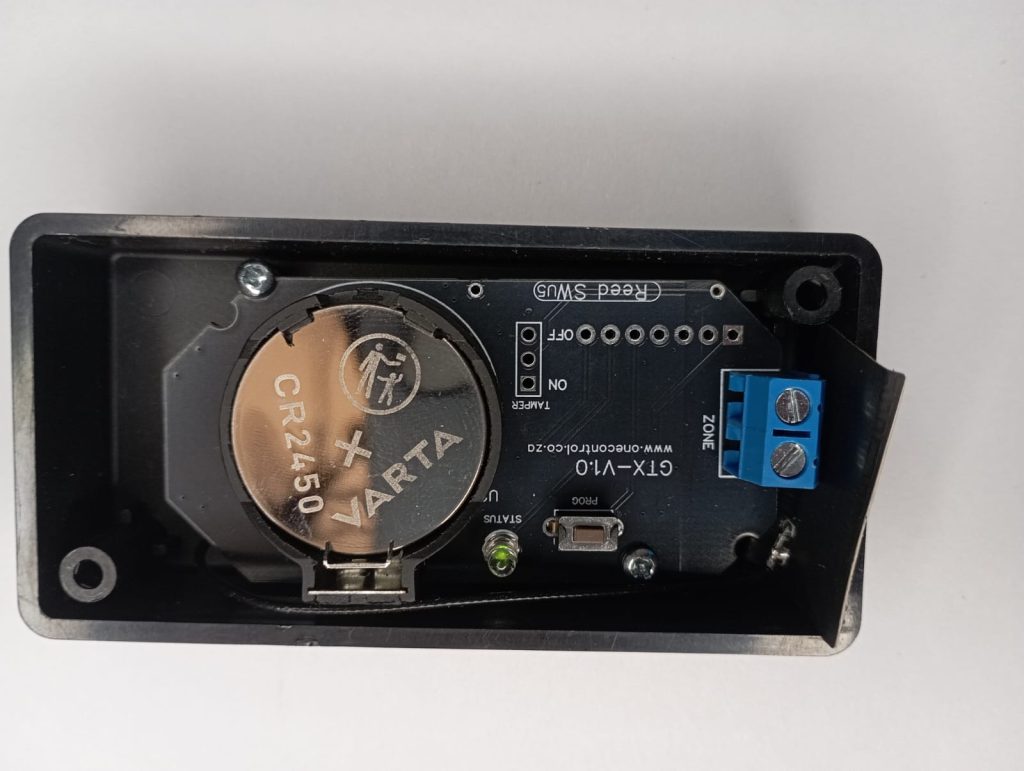
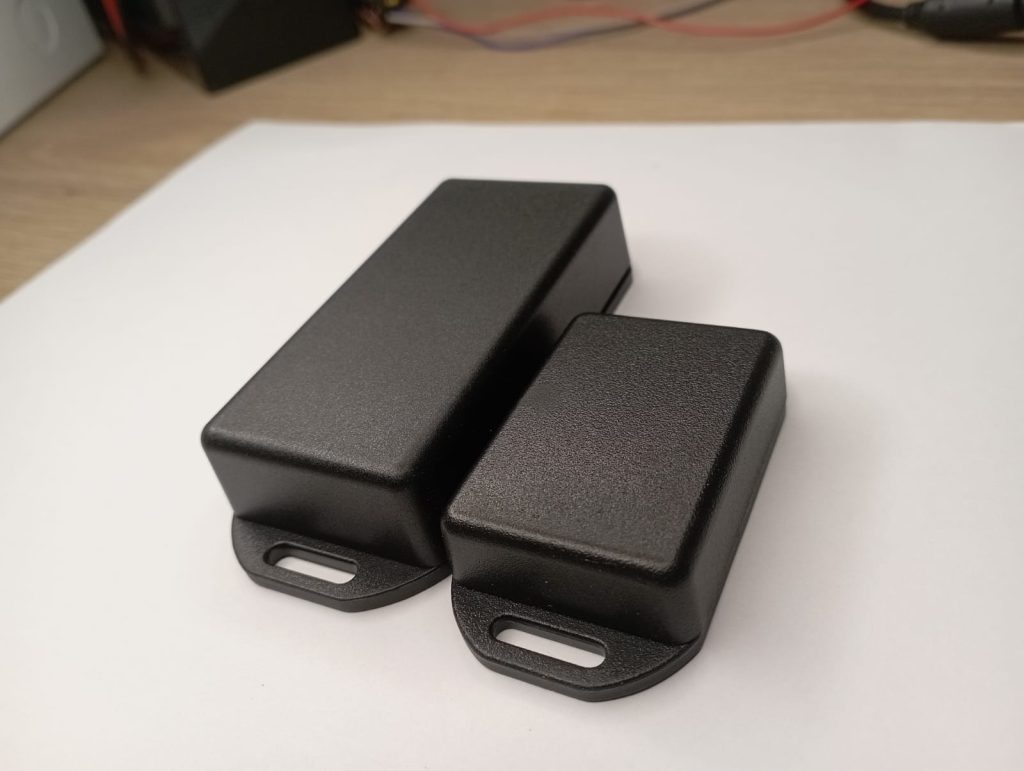
Monitor gates, garage doors and other contact points without running long signal cables. OneSensor uses its reed switch and magnet, or a connected NC/NO contact, to report changes wirelessly to compatible OneControl devices.
More Than Just a Gate Sensor
Connect a compatible wired contact near the sensor to extend monitoring to doors, gates and other security points. Pair it with RX-Link for a relay connection to existing equipment, or MotorGuard Pro+ for app-based status and rules.
- Wireless contact monitoring.
- Battery-powered operation.
- Built-in reed switch and magnet.
- NC/NO wired contact input.
- Compatible with RX-Link and MotorGuard Pro+.
Flexible Integration Options
Existing alarm equipment: Pair OneSensor directly with RX-Link. Its relay can connect to a compatible alarm input, turning a wireless contact event into a wired signal.
OneControl monitoring: Pair OneSensor with MotorGuard Pro+ for contact status and configured alerts in the app. Compatible rules can trigger RX-Link relays when you need a physical output.
Practical Applications
- Monitor an entrance gate or garage door.
- Add wireless contact monitoring to a door.
- Connect a remote contact to a compatible alarm input through RX-Link.
Why Choose the OneSensor?
The OneSensor gives installers the flexibility to solve wiring challenges without compromising reliability.
Whether replacing damaged cable runs, monitoring a physical gate position or wirelessly connecting an existing sensor to an alarm system, the GateSensor provides a simple, reliable and intelligent solution that integrates seamlessly into the OneControl ecosystem.
Alarm Management
Bring Your Alarm System Into OneControl
AlarmComm
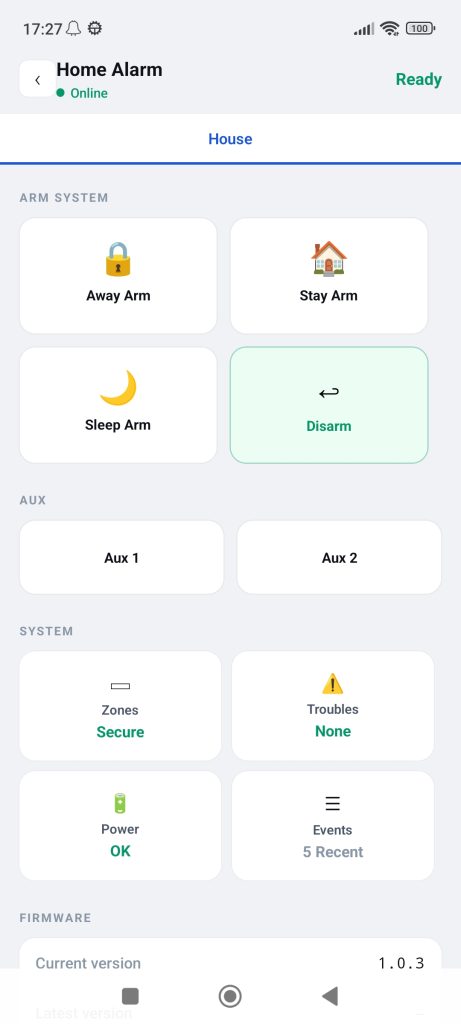
Take control of your existing alarm system without replacing the panel. AlarmCom connects your compatible alarm system to the OneControl platform, giving you remote control and visibility through a single app.
Arm or disarm your system, check zones and partitions, view alarm events and monitor system troubles—all from wherever you are.
Key Features
✔ Arm and disarm remotely
✔ View partition status
✔ View zone status in real time
✔ Bypass zones remotely
✔ View alarm and event history
✔ See who armed or disarmed the system
✔ View system trouble conditions
✔ Monitor AC failure
✔ Monitor alarm battery status
✔ Two AUX relays for general-purpose control
Supported Panels
Current supported panels: Paradox MG and SP series.
Check panel compatibility with your installer before ordering. AlarmComm brings supported alarm functions into OneControl and includes two auxiliary outputs for compatible connected equipment.
Electric Fence Monitoring
Stay Informed About Your Electric Fence
FenceGuard Pro
Stay connected to your perimeter security. FenceGuard Pro connects to an energizer key-switch input so you can arm or disarm the fence, check its status and receive fence alarm alerts through OneControl.
Key benefits
- Works with energizers that have a key-switch input
- Remote arm/disarm and real-time fence status
- Fence alarm alerts and energizer battery monitoring
- Event history and user activity
- Automatic arm/disarm and scheduled fence control
- Multiple users, access schedules and once-off access
- Bluetooth-only access and personal notification settings
- Master user lockout and external trigger input
- Wireless RX-Link integration for an alarm zone or response radio
RX-Link
Turn Wireless Events Into Real-World Action
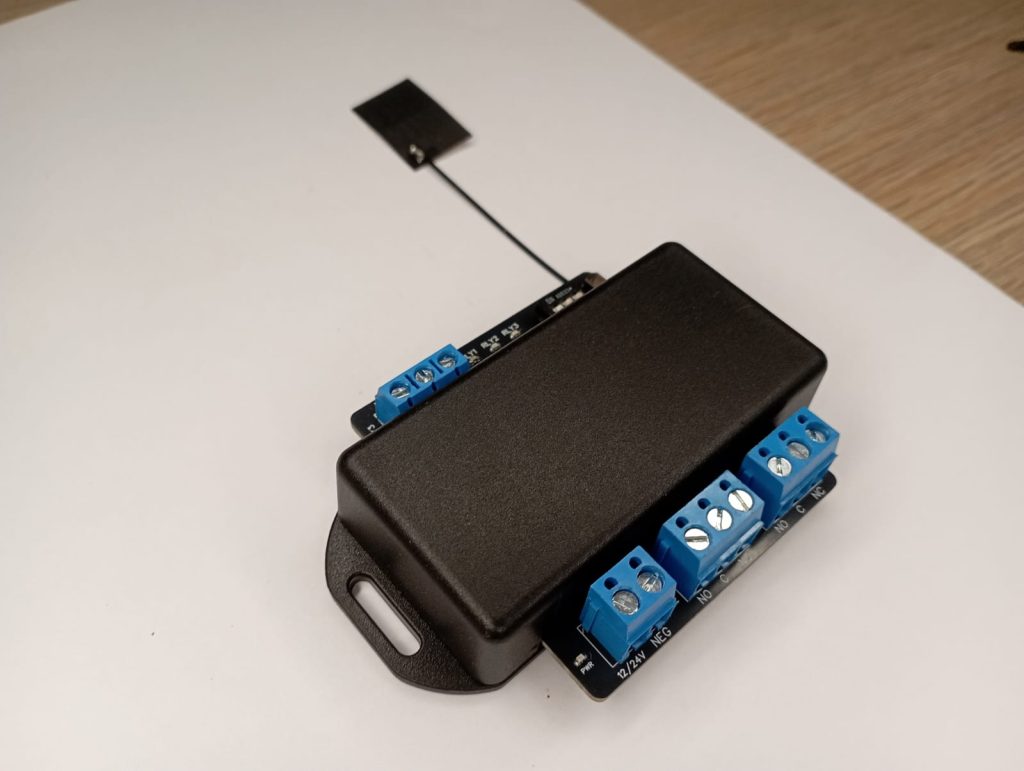
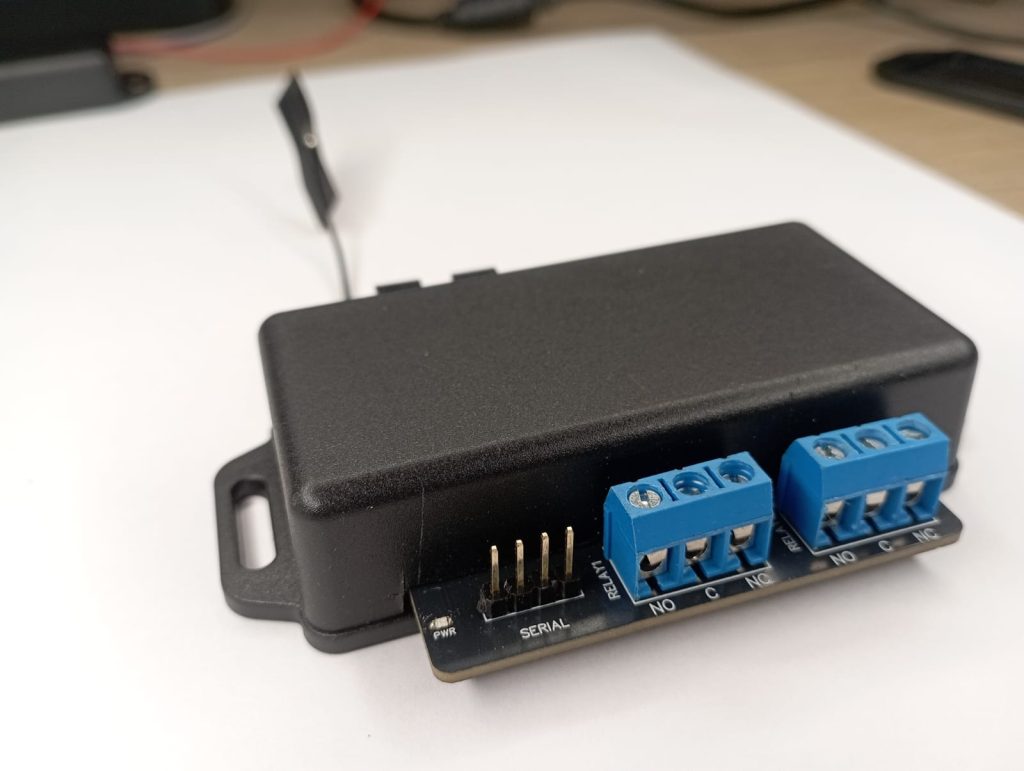
RX Link is a wireless relay receiver designed to connect OneControl devices and wireless inputs to almost any system that requires a relay trigger.
Available in 1-channel, 2-channel and 3-channel versions, RX Link gives installers a flexible way to remotely switch or trigger equipment without running additional cables between devices.
Whether you need to trigger an alarm zone, armed response radio, gate equipment, access control or another relay-operated device, RX Link provides a simple wireless connection.
Flexible Relay Control
Each relay channel can be configured for real-time or latch operation.
Real-Time: The relay follows the connected input. It stays active while the input is active and returns when the input returns to normal.
For example, OneSensor detects a gate opening → the relay activates. The gate closes → the relay returns.
Latch: The relay maintains its on or off state until the next command.
Connect Your OneControl Devices to Existing Systems
RX-Link can communicate with:
- OneSensor
- MotorGuard Pro+
- FenceGuard Pro
Connect compatible devices to existing security systems through a relay interface.
OneSensor → RX-Link → Alarm panel
MotorGuard Pro+ → RX-Link → Alarm panel
FenceGuard Pro → RX-Link → Alarm zone or armed response radio
Integration depends on the receiving equipment having a compatible relay input.
Solve the Wiring Problem Without Running New Wires
Place OneSensor near a compatible wired contact and pair it with RX-Link at the receiving equipment. This bridges the signal wirelessly, while RX-Link supplies the relay output your existing system expects.
Multiple Applications
- Connect wireless contact events to a compatible alarm zone.
- Link compatible OneControl security events to an external relay input.
- Provide a relay interface for supported gate or security equipment.
Available Configurations
RX Link 1CH
Single-channel wireless relay receiver.
RX Link 2CH
Two independent relay channels for multiple switching or triggering applications.
RX Link 3CH
Three independent relay channels for more complex installations.
Each channel supports Real-Time or Latch operation.
Connect Inputs to Existing Systems
Ask your installer to check relay requirements, compatibility and wireless coverage before installation.
